

AI Integration Quick Reference
AI Integration Quick Reference
| Property | Value |
|---|---|
| Package | CometChatUIKitSwift |
| Version | 5.0.0 |
| Peer Dependencies | CometChatSDK >= 4.0.0 |
| Platforms | iOS 13.0+, iPadOS 13.0+, Mac Catalyst 13.0+ |
| Language | Swift 5.0+ |
| License | MIT |
Introduction
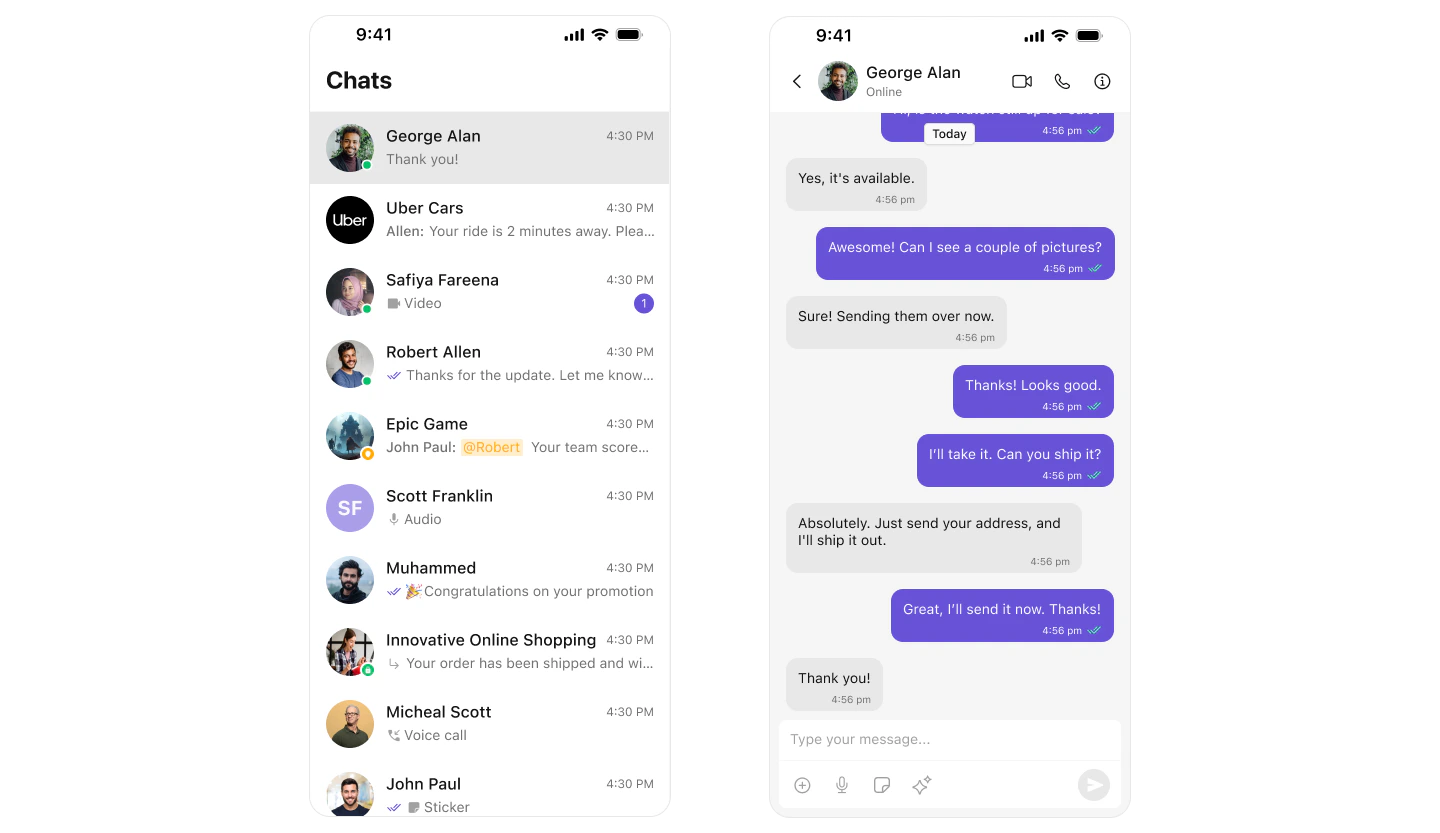
The CometChat UI Kit for iOS provides a seamless solution to integrate chat functionality into your iOS applications. With prebuilt, modular, and customizable UI components, it accelerates development and ensures your chat application is robust, scalable, and tailored to your needs.Key Features
- Effortless Integration: Ready-to-use SwiftUI components for rapid implementation
- Highly Customizable: Adapt UI components to match your brand and user experience requirements
- Built on Core SDK: Leverages the powerful CometChat iOS SDK for reliable performance
- Scalable & Reliable: Optimized for enterprise-grade applications
Try It
Demo App
Experience the UI Kit in action with our interactive demo
Sample App
Explore the complete source code on GitHub
Get Started
Before integrating the CometChat UI Kit, familiarize yourself with the key concepts and features offered by CometChat’s platform:- Review the Key Concepts to understand essential terminology and features
- Follow the Getting Started Guide for detailed steps on initial setup and integration
Explore
Components
Pre-built UI components for conversations, messages, users, and groups
Features
Core messaging, calling, and AI-powered features
Theming
Customize colors, typography, and styling to match your brand
Integration
Step-by-step guides for integrating the UI Kit
API Reference
Complete SDK documentation and API details
Guides
Tutorials and how-to guides for common use cases
Resources
Demo App
Try the interactive demo on your iOS device
Sample App
Complete sample application source code
Integration Guides
Step-by-step integration tutorials
Components
Browse all available UI components
Features
Explore messaging, calling, and AI features
Theming
Customize the look and feel
Troubleshooting
Common issues and solutions
Support
Get help from our support team