| Field | Value |
|---|
| Dashboard setup | CometChat Dashboard → Extensions |
| Activation | Enable in dashboard, features appear automatically in UI Kit |
| Code required | None — extensions work out of the box |
| Platforms | Works across iOS, Android, and Web with the same configuration |
How Extensions Work
- Log in to your CometChat Dashboard
- Navigate to the Extensions section
- Enable the extensions you want
- The features automatically appear in your app after initialization
Extensions are enabled at the dashboard level. Once activated, they work across all platforms (iOS, Android, Web) using the same CometChat app.
Composer Extensions
These extensions add new options to the Message Composer attachment menu or action sheet.
Stickers
Let users express emotions with fun, pre-designed stickers.
Polls
Create polls to gather opinions in group chats quickly.
Collaborative Whiteboard
Real-time whiteboard for drawing, brainstorming, and sharing ideas together.
Collaborative Document
Work together on shared documents in real-time with other users.
Smart Replies
AI-powered suggested responses for faster, more efficient conversations.
Message List Extensions
These extensions enhance messages displayed in the Message List.
Message Reactions
Let users react to messages with a range of emojis for quick responses.
Message Translation
Translate messages into any language instantly, eliminating language barriers.
Link Preview
Show rich previews for URLs shared in chat including title, description, and thumbnail.
Thumbnail Generation
Automatically create smaller preview images for faster loading and reduced bandwidth.
Moderation Extensions
These extensions help maintain a safe chat environment by filtering content automatically.
Profanity Filter
Automatically censor inappropriate and obscene words in messages.
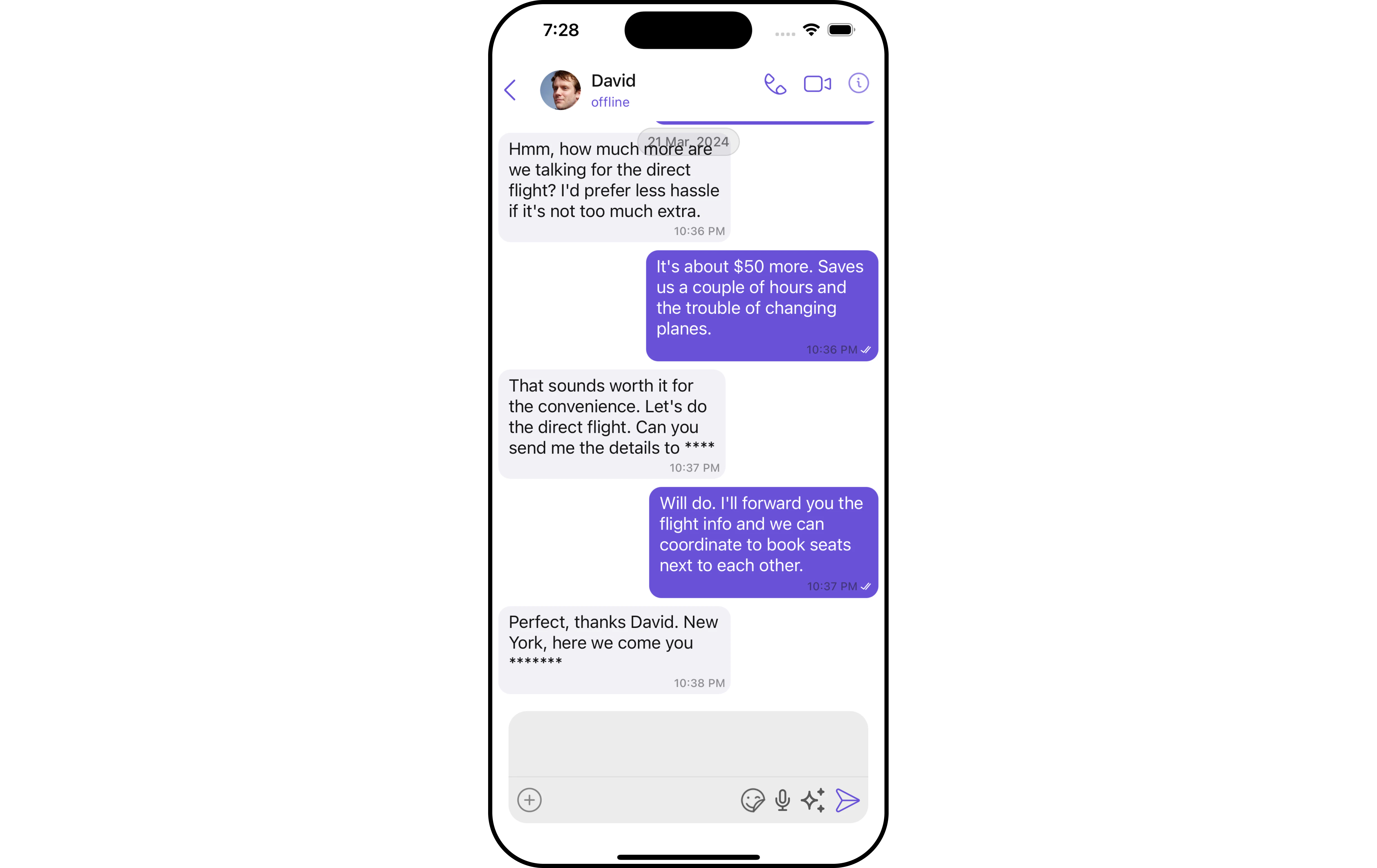
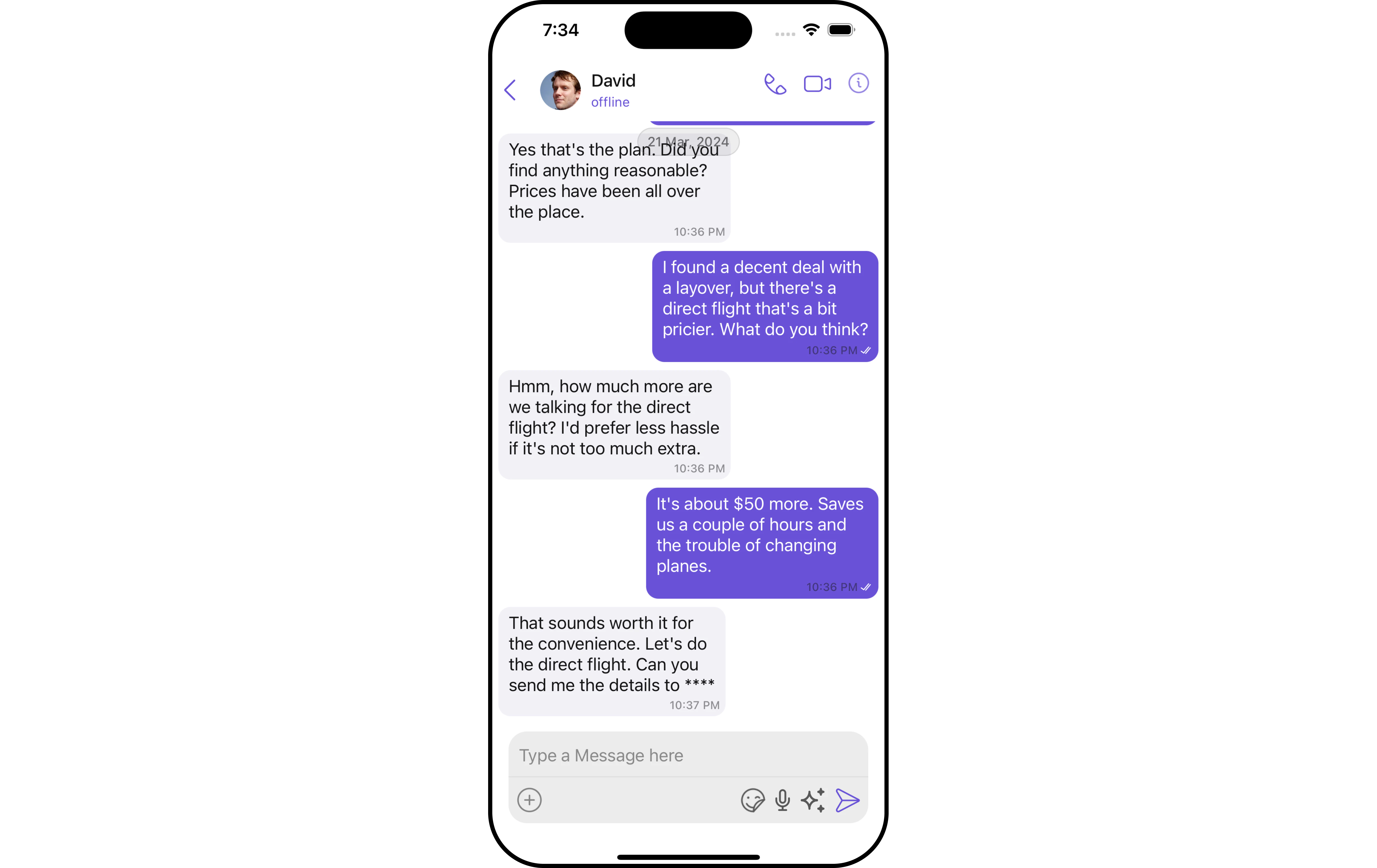
Data Masking
Automatically mask sensitive data like credit card numbers and phone numbers.
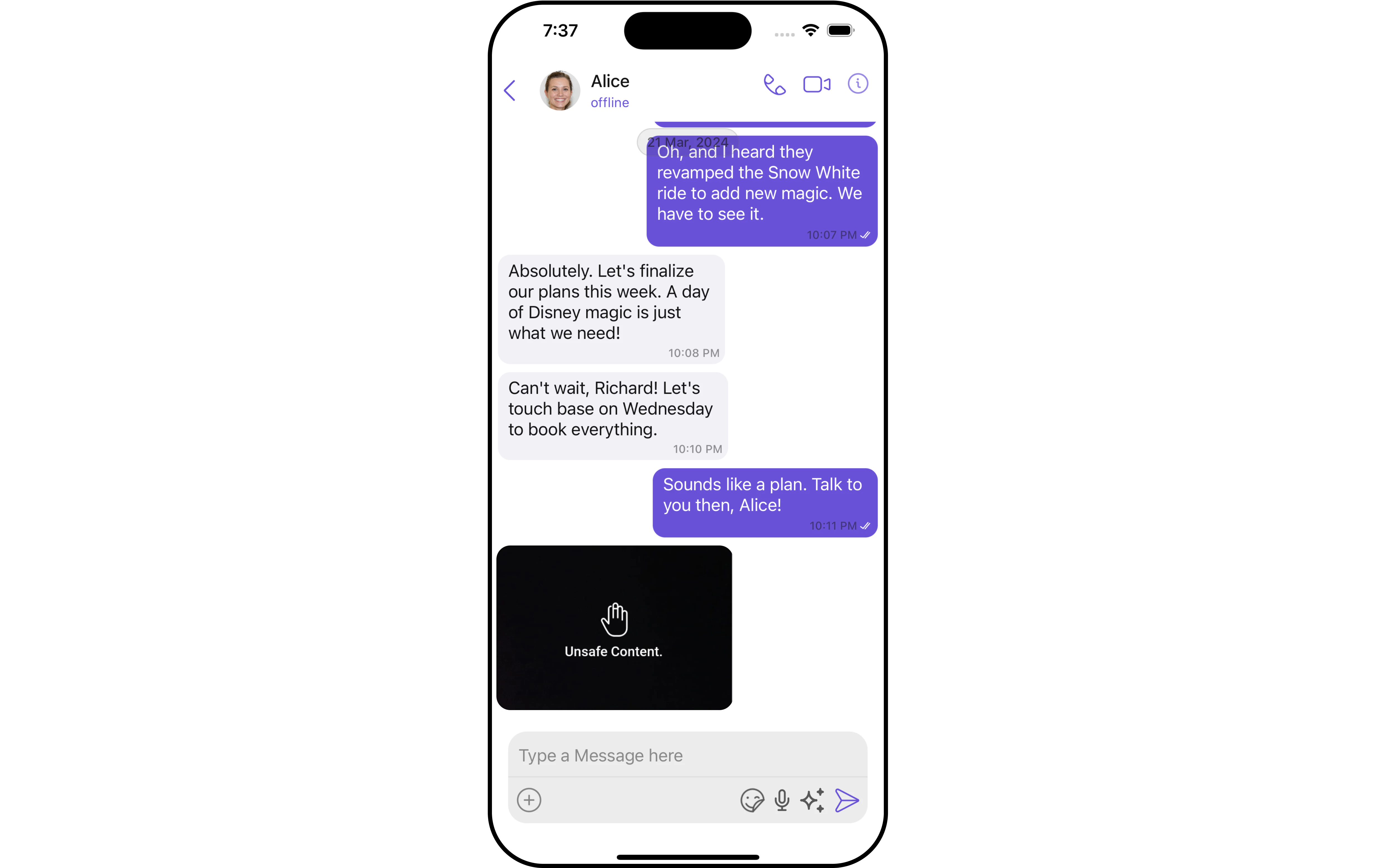
Image Moderation
Detect and filter inappropriate or explicit images using AI/ML.
Extensions Summary
| Extension | Category | Component | Use Case |
|---|
| Stickers | Composer | Message Composer | Fun expression |
| Polls | Composer | Message Composer | Group decisions |
| Whiteboard | Composer | Message Composer | Visual collaboration |
| Document | Composer | Message Composer | Document collaboration |
| Smart Replies | Composer | Message Composer | Quick responses |
| Reactions | Message List | Message List | Quick responses |
| Translation | Message List | Message List | Multi-language support |
| Link Preview | Message List | Message List | Rich URL previews |
| Thumbnails | Message List | Message List | Faster loading |
| Profanity Filter | Moderation | Message List | Content moderation |
| Data Masking | Moderation | Message List | Privacy protection |
| Image Moderation | Moderation | Message List | Safe content |
Next Steps