

AI Integration Quick Reference
AI Integration Quick Reference
| Field | Value |
|---|---|
| Package | @cometchat/chat-uikit-react |
| Required setup | CometChatUIKit.init(UIKitSettings) then CometChatUIKit.login("UID") + AI features enabled in CometChat Dashboard |
| AI features | Conversation Starter, Smart Replies, Conversation Summary |
| Key components | CometChatMessageList → Message List (Conversation Starter), CometChatMessageComposer → Message Composer (Smart Replies, Summary), CometChatAIAssistantChat → AI Assistant Chat |
| Activation | Enable each AI feature from the CometChat Dashboard — UI Kit auto-integrates them, no additional code required |
Overview
CometChat AI features enhance user interaction by providing contextual suggestions and summaries. Each feature is activated from the Dashboard and auto-integrates into UI Kit components.Smart Chat Features
Conversation Starter
Displays AI-generated opening lines when a user starts a new chat. See Conversation Starter. Auto-integrates into MessageList when activated.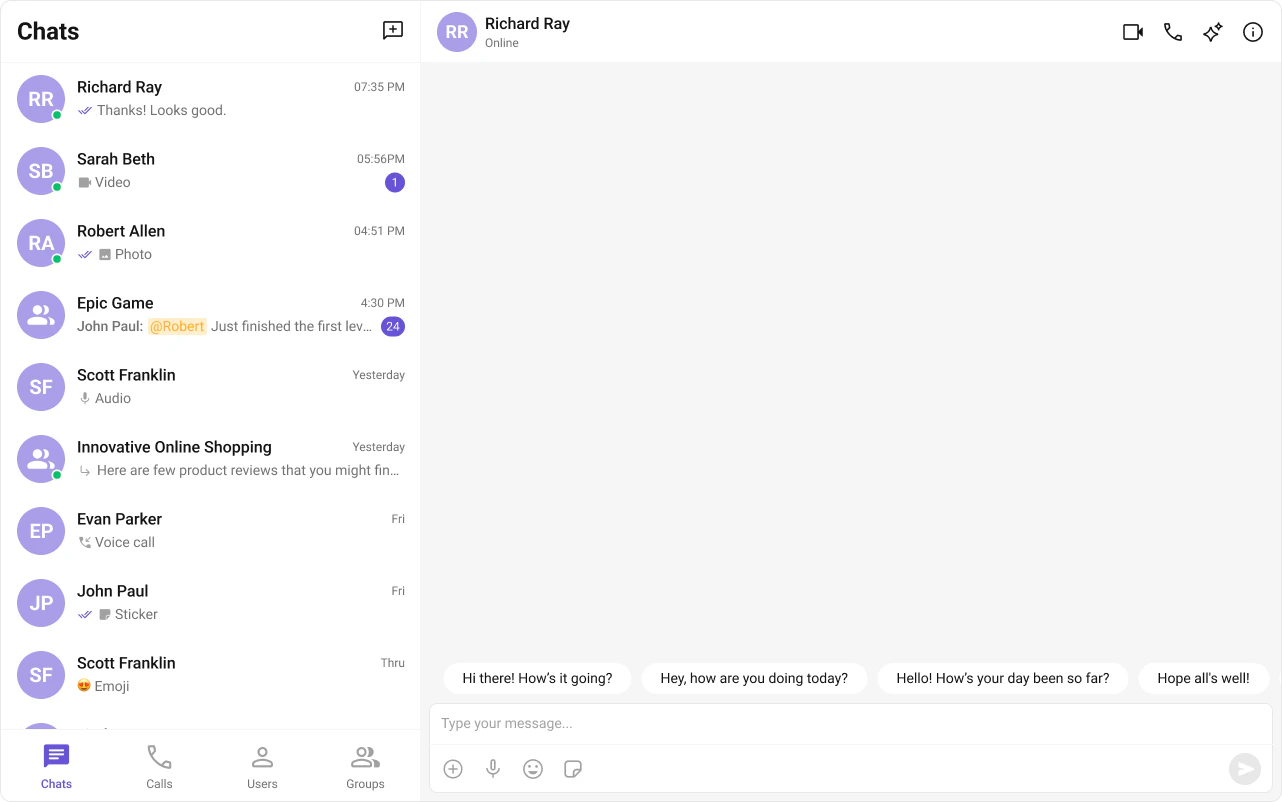
Smart Replies
AI-generated response suggestions based on conversation context. See Smart Replies. Auto-integrates into the Action Sheet of MessageComposer when activated.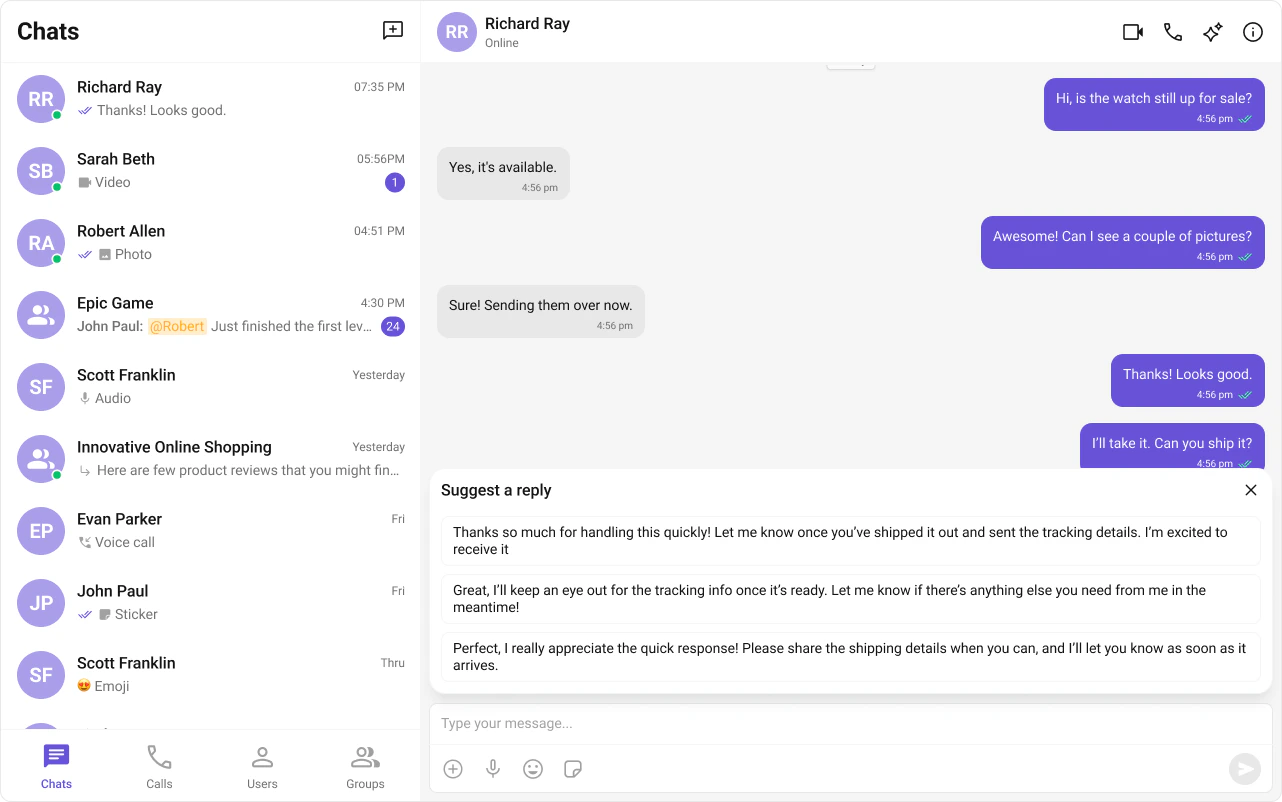
Conversation Summary
AI-generated recap of long conversations. See Conversation Summary. Auto-integrates into the Action Sheet of MessageComposer when activated.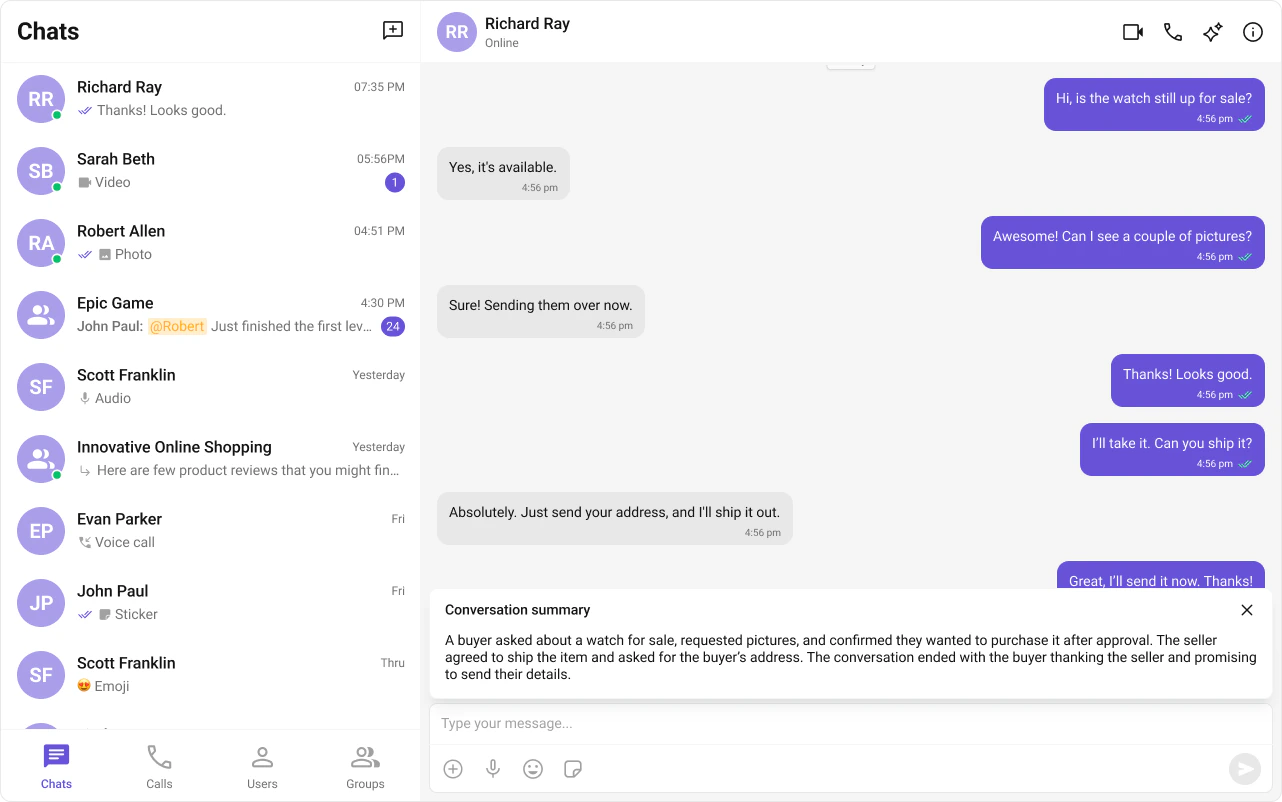
Next Steps
AI Assistant Chat
AI-powered assistant component
Message List
Customize the message list where AI features appear
Message Composer
Customize the composer with Smart Replies and Summary
Core Features
Core chat features like messaging and reactions